What is 3D Rendering?
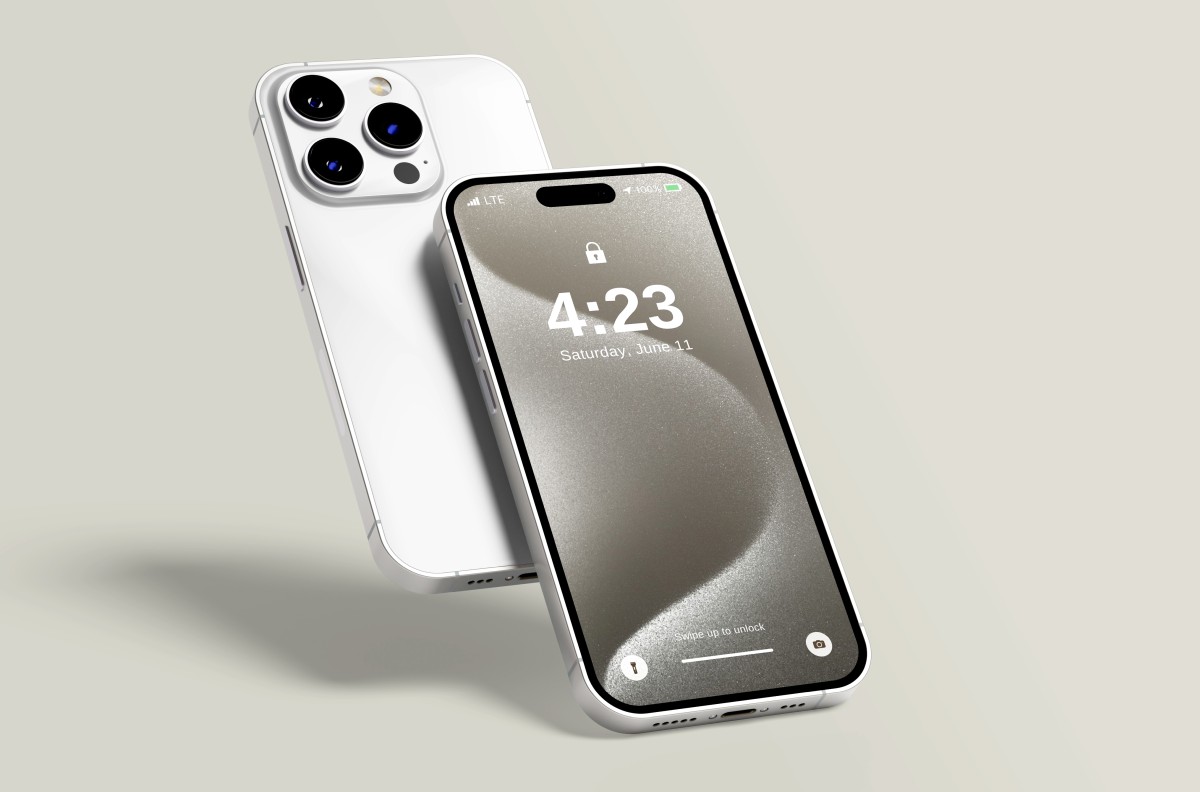
3D rendering is the process of computer-generating a two-dimensional image or animation from a three-dimensional model. In simple terms: you create a digital model of an object in a 3D programme (e.g. a car, a product, an interior) and then „render” it, i.e. have the computer calculate what that object would look like in reality, taking into account lighting, materials, shadows and reflections. The result can be stylised (as in games or animations) or photorealistic, indistinguishable from a real photograph.How does the Rendering Process Work?
Rendering is a complex computational process that consists of several steps: 3D modelling - First, you need to create a 3D model of the object. This is done in programmes such as Blender, Cinema 4D, 3ds Max or Maya. Modelling is the process of building the geometry of an object from basic shapes (cuboids, spheres, cylinders). Texturing and materials - A crude 3D model looks like a grey, plastic form. To give it realism, you need to add textures (surface images) and define materials: is the object metal, glass, wood? How does it reflect light? Lighting - A key element of realism. Light sources are placed in the scene: sun, lamps, diffused light. Lighting determines the mood and appearance of the final image. Camera - As in real photography, you set up the virtual camera: frame, angle of view, depth of field. Rendering - This is when the computer „renders” the scene. The rendering engine (e.g. V-Ray, Octane, Redshift, Arnold) calculates for each pixel of the image what colour it should have, taking into account lighting, materials, shadows, reflections and many other parameters. This is the most time-consuming part - rendering one high-quality frame can take anywhere from a few minutes to several hours. Post-production - The finished renders often still undergo colour correction, the addition of effects or retouching in programmes such as Photoshop or After Effects.Types of Rendering
There are two main approaches to rendering: Real-time rendering - Real-time rendering, mainly used in video games and interactive applications. The image must be generated instantly (60 or more frames per second), so quality is a compromise between realism and performance. Offline rendering - Pre-rendered rendering, used in films, commercials and product visualisations. Each frame is rendered separately and this can take a long time, but the quality is maximised and photorealistic. Various techniques are used for offline rendering: - Path tracing / Ray tracing - Light physics simulation with maximum realism - Rasterisation - Faster method, but less realistic - GPU rendering - Using the graphics card to speed up calculationsApplications of 3D Rendering in Business
3D rendering is revolutionising many industries:
E-commerce and product marketing - Instead of organising expensive photo shoots, companies are creating digital 3D models of products that can be shown from all sides, in different colours and configurations. IKEA uses 3D rendering for 75% images in its catalogues!
Architecture and real estate - Architectural visualisations make it possible to show what a building will look like even before construction starts. This helps to sell flats „on paper” and present projects to investors.
Automotive - Car manufacturers create photorealistic renderings of new models for advertising campaigns, often before a physical prototype is created.
Film and advertising - CGI (computer-generated imagery) based on 3D rendering is the basis of modern cinema. From special effects to entire virtual worlds.
Industrial design - Product designers create renderings of prototypes to test appearance and functionality before costly production.
Advantages of 3D Rendering
Why invest in 3D rendering instead of traditional photography?
Full control - You can change everything: lighting, materials, colours, background - without a new session.
Unlimited possibilities - You can create scenes impossible to realise in reality: products floating in the air, visualisations of interiors that do not yet exist.
Long-term savings - The initial cost of 3D modelling may be higher, but afterwards you can generate hundreds of variations at no extra cost.
Consistency - All images will have the same quality and style, which is important for brand consistency.
Updates - Changing a detail in a product? Simply update the 3D model and render anew, rather than organising a new session.
Challenges and constraints
3D rendering also has its drawbacks:
Rendering time - Photorealistic rendering can take a very long time. An animation lasting 30 seconds (900 frames) can take dozens of hours of rendering.
Hardware cost - Professional rendering requires powerful computers with powerful graphics cards or renting render farms (networks of computers dedicated to rendering).
Skills - Creating a photorealistic render requires a high level of competence in modelling, texturing, lighting and software knowledge.
„Uncanny valley” - Sometimes renders, especially of human characters, can look „almost good”, which paradoxically has a repulsive effect. Achieving complete realism is difficult.
3D Rendering Software
The most popular software and rendering engines:
Blender - Free, open-source, with built-in Cycles engine. Great for beginners and professionals.
Cinema 4D - A favourite tool of motion designers, intuitive and tightly integrated with After Effects.
3ds Max - Standard in architecture and industrial design, often with V-Ray engine.
Maya - Preferred in the film and VFX industry.
Houdini - For advanced procedural effects.
Rendering engines: V-Ray, Corona Renderer, Octane Render, Redshift, Arnold, RenderMan.
Trends in 3D Rendering
Rendering technology is constantly evolving:
GPU rendering - More and more engines are using graphics cards instead of CPUs, which significantly speeds up rendering.
Cloud rendering - Renting computing power in the cloud (e.g. Render Farm) instead of investing in local hardware.
Real-time ray tracing - Technologies like NVIDIA RTX enable real-time ray tracing, blurring the line between real-time and offline rendering.
AI-powered denoising - Artificial intelligence speeds up rendering by reducing noise in images.
Rendering in AR/VR - Rendering for augmented and virtual reality requires new optimisations and techniques.
Summary
3D rendering is a powerful technology that opens up endless possibilities for visualisation. From photorealistic product visualisations to architecture to special effects in films, rendering is changing the way we create and present images. Although it requires specialist knowledge and computing power, the benefits of full creative control and flexibility make it an essential tool in modern business and the arts.
Frequently Asked Questions - FAQ
- How long does it take to render one frame?
It very much depends on the complexity. Simple product scene: 5-30 minutes/frame. Complex architectural scene: 1-4 hours/frame. Film scene with VFX: several hours/frame.
- Why does the rendering take so long?
Photorealistic rendering simulates the physics of light: every ray of light, reflection, shadow, transparency - everything is calculated mathematically for millions of pixels. This requires enormous computing power.
- Is a 3D rendering cheaper than a photo shoot?
Depends. The first version may be more expensive (modelling from scratch), but after that you can generate hundreds of variations (colours, angles, backgrounds) without additional session costs. It pays off for products with multiple versions.
- Can I use 3D rendering for e-commerce?
Absolutely! Brands like IKEA, Nike and Apple use 3D rendering extensively. You can create 360° product views, AR previews, or product configurators.
- What is the difference between real-time and offline rendering?
Real-time: instantaneous rendering (games, AR), lower quality, interactive.
Offline: rendering takes a long time, maximum quality, for final materials (adverts, films).
- Do I need a physical product to create a render?
No! We can model from technical drawings, CAD, reference photos or even descriptions. We often render products that do not yet physically exist.
- At what resolution will I get a render?
Standard 4K (3840x2160px) for video, higher for prints. We can render at any resolution - even 8K or 16K for billboards or cinema footage.
- How much does a 3D rendering of a product cost?
Single photorealistic product render: £1,000-3,000. Product animation (10-15 seconds): PLN 5000-15000. Complex architectural visualisation: PLN 5000-15000/image.
Recent Posts